Connect Concept2 to Movement Rebels
Every RowErg, BikeErg and SkiErg session lives in your Concept2 Logbook. Movement Rebels connects to that logbook and pulls each piece into your training log automatically, with the coach's read waiting when you check in.
What connects
The Concept2 integration reads from your Concept2 Logbook account. All three machines sync:
- RowErg (rowing machine): distance, pace per 500m, stroke rate, watts, heart rate if you used a chest strap
- BikeErg (stationary bike): distance, watts, cadence, heart rate if available
- SkiErg (ski endurance machine): distance, pace, stroke rate, watts
Your full erg history imports the moment you connect. New sessions appear in your log within seconds of syncing to the Concept2 ErgData app or PM5 monitor.
Setting up the Concept2 integration
Open Movement Rebels and go to Profile, then Integrations. Find the Concept2 card and tap Connect.
You will be taken to the Concept2 Logbook login screen. Sign in with your Concept2 account. Authorize Movement Rebels to read your logbook data.
Once authorized, your history imports immediately. Going forward, finish a session on any Concept2 machine, sync it via the ErgData app or the PM5 monitor's built-in connection, and it appears in Movement Rebels within seconds.
How the coach reads erg sessions
Concept2 data is precise. The coach works with that precision.
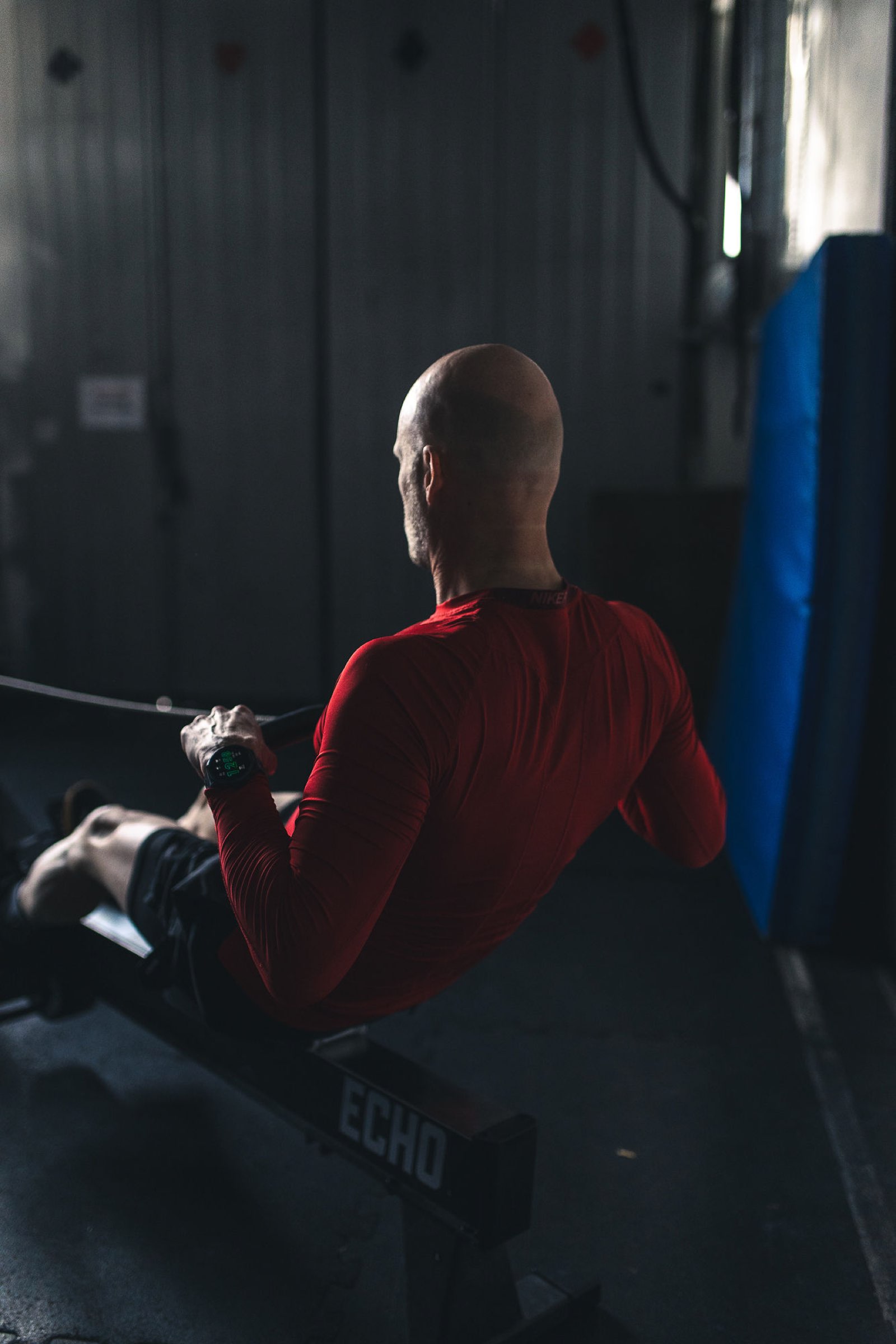
On a RowErg interval session, the coach reads each split, not just the average. It sees whether you held your target pace across all intervals or faded on the back half. It checks your stroke rate against your pace: a higher stroke rate holding the same split is different from a lower stroke rate holding the same split, and the coach treats them differently.
On a BikeErg session, the coach reads watts the same way it reads power from a Wahoo or Garmin with a power meter. A 20-minute steady BikeErg piece at 200W is a threshold session. The coach logs it as one.
On a SkiErg piece, the coach reads pace and stroke rate. Useful for athletes who use the SkiErg for aerobic conditioning or upper-body endurance work alongside their primary sport.
Erg sessions and your weekly plan
Concept2 sessions count toward your weekly training load the same as any other session. If you row hard three days in a row, the coach sees that load and adjusts your plan accordingly. A long aerobic RowErg piece on a day the plan called for rest gets flagged. A quality BikeErg interval session on a day you were supposed to go easy shows up in the coach's next recommendation.
If you use the erg as cross-training alongside running, cycling or strength work, the coach sees the full picture and plans across all of it.
Disconnecting Concept2
Go to Profile, Integrations, open the Concept2 card and tap Disconnect. No new sessions will sync after that. Your existing erg history in Movement Rebels stays in your log.
Reconnect anytime from the same screen.
One app instead of five.
Strength, endurance, recovery, fueling, planning, and your AI coach. All under a 7-day free trial. No card.
Start 7-day trial2K Erg Pacing: How to Execute Without Blowing Up at 1500m
How to pace a 2000m rowing ergometer test: energy systems, pacing phases, split calculations, and the mental strategy to crush you
Connect Google Health Connect to Movement Rebels (Android)
Sync your Android workout data to Movement Rebels via Google Health Connect. Works with Samsung Health, Pixel Watch, and any app t
Connect Wahoo to Movement Rebels
Sync your Wahoo ELEMNT or KICKR to Movement Rebels. Step-by-step setup, what data flows in, and how the coach uses your rides and
Connect Polar to Movement Rebels
Sync your Polar watch or heart rate sensor to Movement Rebels. What data flows in, how the coach reads it, and how to set it up in